Wednesday, 13 December 2017
Chanukah Fun with JI Studio
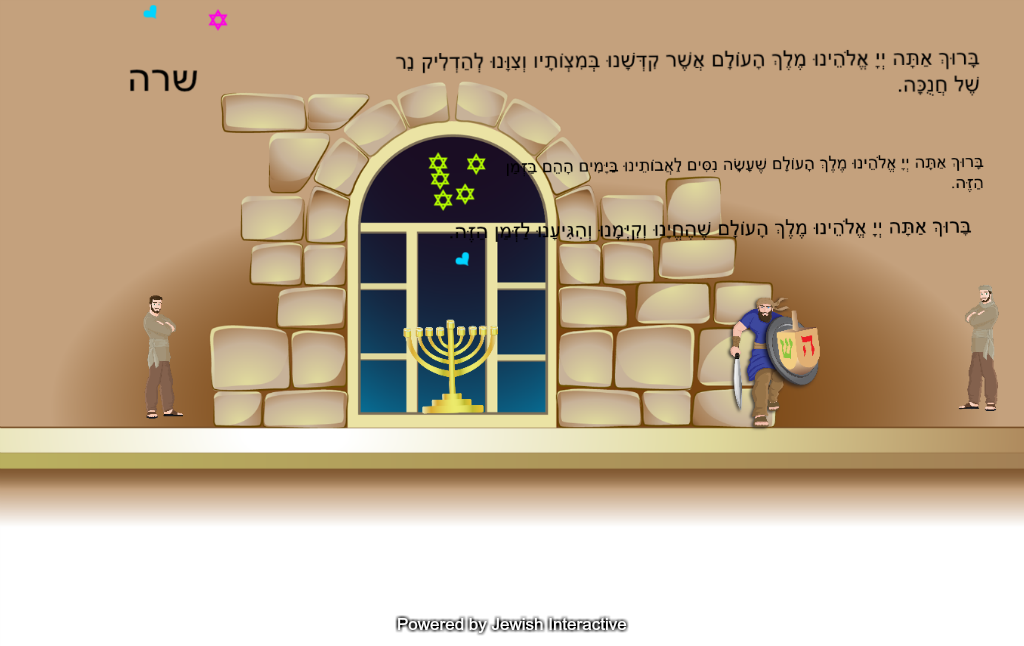
Morah Chana's Grade 1 class visited the North campus this week for a day filled with Chanukah fun. They stopped by the computer lab to create colourful candle lighting posters on the JI Studio program. Check out their work below.
Thursday, 9 November 2017
Grade 4 Tech Club - All About Me Powtoon
Grade 4 students participating in Tech Club are learning to use a variety of presentation applications. In our first project, students used Powtoons to create an animated presentation introducing themselves. Check out some samples below.
Wednesday, 14 June 2017
Social Studies Adobe Spark Research Project
In Social Studies, students in Mrs. Miller's Grade 5 class researched a variety of aspects related to the First Nations people of Canada including education, clothing, housing and government. Using the Adobe Spark iPad app, they combined text, visual and audio elements to create videos depicting their findings.
Friday, 26 May 2017
SK South Bracha Books
Students in Morah Elysa's SK class at the south campus enjoyed reviewing blessings for Food and creating a special Bracha Book using the JI Studio iPad app.
Check out their books!
Wednesday, 29 March 2017
Using JI Tap to Create Interactive Pesach Games
Grade 5 students in Rabbi Zadok's classes are working on creating interactive Pesach themed games using the JI Tap iPad
app. Their primary school audience will be our Grade 1 classes who will try
these out next week. In addition to this, once the games are created,
they will be shared on the JI Tap "cloud" so that other students around the
world can play them. Through this creation and collaboration process, we have learned
important lessons about making positive online contributions.
Check out some of these games below:
Tuesday, 21 March 2017
Bullying Vs. Cyberbullying
In Mrs. Kopel's Grade 3 class, students discussed the topic of cyberbullying and how it is similar to and different from bullying. Students used the Read Think Write Venn Diagram generator to brainstorm some similarities and differences.
Purim App Smash - SK North
In Morah Kathy's SK class, students app smashed with Paper 53, Green Screen Doing and the Seesaw apps to draw a scene from the Megillah and dress themselves up as their favourite character. Check out these adorable samples!
Monday, 13 March 2017
Parts of Speech - Grade 1 South Campus
Students in Mrs. Wislesky's Grade 1 class at the South Campus learned about the different parts of speech. Using the 30 Hands iPad app, students created short videos identifying nouns, verbs and adjectives.
Thursday, 9 March 2017
Netiquette
For our Digital Citizenship theme of the month, Netiquette, students in Mrs. Orelowitz's Grade 4 class learned about different ways to exhibit proper netiquette in online interactions with others. Using Google Drawings, students brainstormed some examples of positive and negative online behaviours.
Friday, 3 March 2017
Mindmap Collaboration in 7G Navi
Students in Mrs. Grysman's 7G Navi class worked together to highlight some of King David's personality traits and characteristics in the first 10 perakim of Shmuel Bet. Using the Coggleit collaborative mindmapping tool, the students listed each characteristic and the perek in which it appeared.
Tuesday, 28 February 2017
Grade 5 App Smashing - Human Body Systems
Students in Mrs. Miller's 5B class used iPad app smashing to create fantastic short visual presentations on different systems in the human body.
App smashing is the process of using multiple apps to create one enhanced final product. For this app smash, students used the Tellegami, Explain Everything, Chatterpix, and iMovie to produce these incredible pieces.
Kitah Alef South - Purim Vocabulary Cards with JI Studio
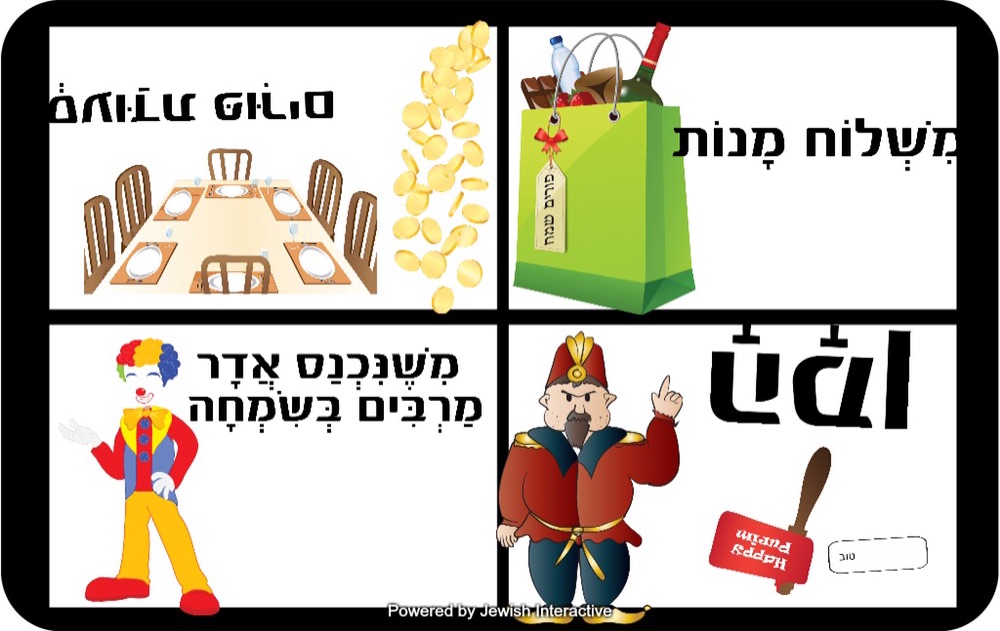
Students in Morah Chana's Kitah Alef class had a lot of fun creating vocabulary posters for Purim. Using the JI Studio iPad app, students chose visual representation for Purim vocabulary they are learning in class.
Friday, 23 December 2016
Grade 1SC Human Body Bookcreator Project
As a culminating activity to their Science unit on the human body, students in Mrs. Wislesky's Grade 1 class in the south campus created digital books on the function of different organs. They created their work using a combination of audio, text and visual elements in the Book Creator iPad app. Here are some samples:
Thursday, 22 December 2016
3B's Chanukah Padlet
As an assessment for learning, students in Morah Galit's Grade 3 class created a Padlet board. The students had a chance to collaborate, discuss and write what they recall about the holiday of Chanukah. This information was used to drive the learning forward.
Wednesday, 21 December 2016
Stopmotion Animations
As a culminating task for their flight unit, students in Ms. Goldenberg's Grade 6 class chose a flying object and learned about how it uses the forces of flight to fly. They then expressed what they learned in the form of a stopmotion animation video. Students reseached, designed and then created their videos on the iPad. Here are some samples of their work.
Tuesday, 20 December 2016
Collaborative E-book with Google Slides
Students in Mrs. Miller's Grade 5 class worked collaboratively to create an e-book on different structures around the world. Using the Google Slides app on the iPad, each student was assigned some slides to contribute information and pictures to. Check out this fantastic piece!
Monday, 19 December 2016
7G Mystery Hangout
Students in Mr. Savage's 7G Social Studies class enjoyed a fun mystery Google Hangout with a middle school class located in Billerica, Massachusettes. Using geography-based questions and Google Maps, the girls enjoyed gathering clues to try and guess the mystery location of the other class.
Subscribe to:
Posts (Atom)